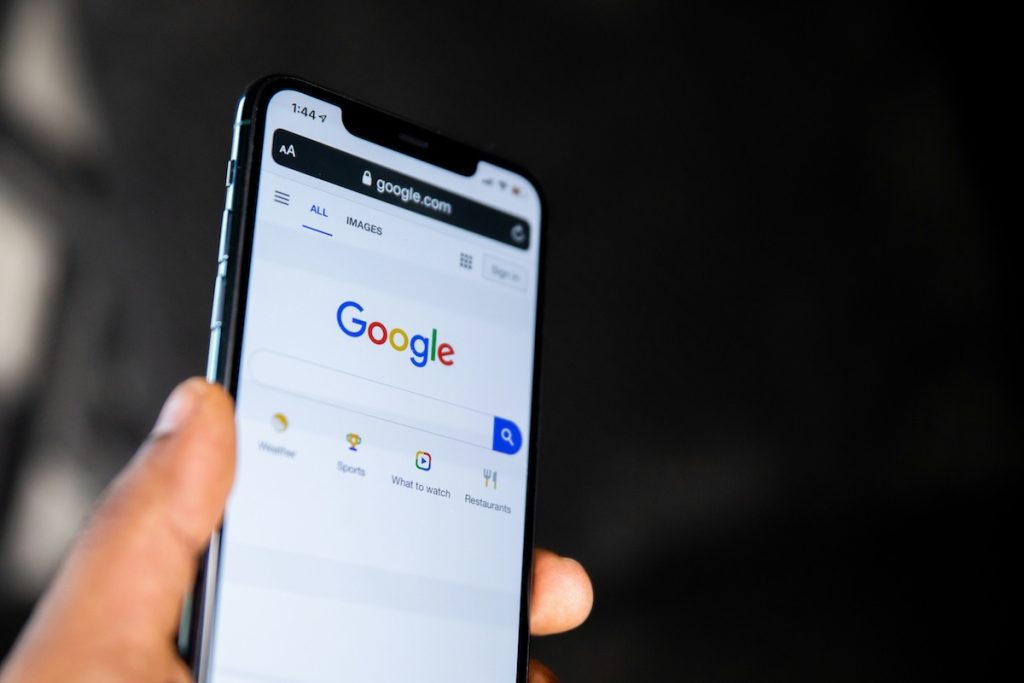
When a traveler searches “places to stay near [your town],” Google often shows a map with a handful of pins before it shows a single website. If your rental isn’t one of those pins, you’re invisible to people who are actively trying to book nearby – and it’s costing you bookings.
The tool that puts you on that map is free, and most hosts never set it up. It’s called a Google Business Profile (formerly Google My Business). Here’s how to claim yours and make it work.
What it does for a rental
A Business Profile is your listing on Google Maps and local search. Done right, it can:
- Put your property on the map when people search nearby.
- Show your photos, website link, and details right inside Google.
- Collect Google reviews – powerful, independent social proof.
- Send booking-ready traffic straight to your direct site, not an OTA.
It’s one of the few marketing assets that’s free, high-intent, and points people to a channel you own.
One important note before you start
Google’s rules are built mainly around businesses customers physically visit, so rentals need to be set up carefully to avoid getting suspended:
- Represent a real, consistent business – the same name, address, and phone (your “NAP”) everywhere online.
- Don’t create duplicate listings for the same property, and follow Google’s current guidelines for lodging/rentals (they do change).
Accuracy and consistency win. Google rewards profiles it can trust.
Step by step
1. Create or claim the profile. Search Google for your property first – a listing may already exist. Claim it if so; create it if not.
2. Choose the right category. Pick the most accurate primary category, e.g. Vacation home rental, Holiday apartment rental, or Lodging. Category strongly affects which searches you appear in – be precise.
3. Fill in every detail. Name, address/service area, phone, and – crucially – your direct-booking website as the link. Every completed field is a ranking and trust signal.
4. Upload lots of great photos. Exterior, interior, the view, the neighbourhood. Profiles with strong photos get far more clicks and direction requests. Name your files descriptively before uploading.
5. Verify. Google will ask you to verify ownership (postcard, phone, video, or email). You won’t show up publicly until you do – don’t skip it.
6. Keep it alive. Post seasonal updates, answer questions, and – most importantly – ask happy guests for a Google review. Fresh activity and steady reviews are exactly what local ranking rewards.
Why this matters for direct bookings
Here’s the strategic part. On Airbnb, discovery happens inside Airbnb – and you pay for it. A Google Business Profile is discovery you own, pointing straight to your own site. Every traveler who finds you on the map and books direct is a guest you reached without a commission and without renting your visibility from anyone.
It’s local, it’s free, and it compounds. Set it up once, tend it a little, and it quietly sends booking-ready traffic to your door for years.
Getting found on Google is a job in itself – so we do it for you. ScaleLodge includes local search and Google Business Profile setup, pointing high-intent travelers straight to your direct-booking site. See what’s included.